Font Pairing Tool - Find the Perfect Heading & Body Font Combination
Choosing the right font combination can make or break a website’s first impression. This free tool gives you 130+ curated Google Font pairings – filtered by industry and style – so you can preview live and copy the CSS code in one click. No sign-up, no cost, no guesswork.
Get the code
Why Font Pairing Matters for Your Website
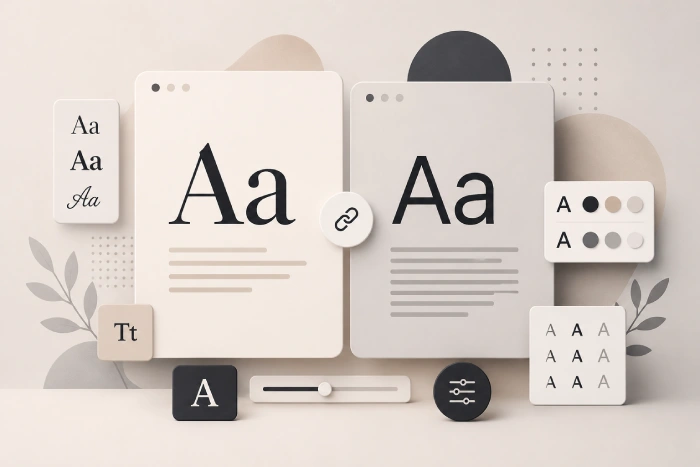
Typography is often called the silent salesperson of a website. Visitors form an opinion about your brand’s credibility within seconds — and much of that judgment comes from the fonts you use before they read a single word. A well-chosen font pair creates visual hierarchy, improves readability, and reinforces brand personality across every page.
The challenge is that Google Fonts alone offers over 1,400 families. Without a structured way to compare combinations, designers and developers can spend hours on trial-and-error. That’s exactly what this tool solves.
01
Contrast creates hierarchy
02
Harmony keeps it cohesive
03
Industry context shapes the right choice
How to Use This Google Font Pairing Tool
The tool is designed to get you from “browsing” to “copying CSS” in under two minutes. Here’s how to get the most out of it:
- Filter by Industry: Select your website’s niche (Tech, Blog, eCommerce, Luxury, Health, Food, Creative, Corporate, Education) to instantly narrow the library to relevant pairings.
- Filter by Style: Choose a mood: Minimal, Modern, Elegant, Playful, Editorial, Classic, or Cursive/Script.
- Type your own heading text: Replace the default preview text with your actual page headline to see exactly how the fonts will look on your site.
- Copy CSS instantly: Hit “Copy CSS” on any card to copy both the Google Fonts <link> tag and the full CSS snippet ready to paste into your stylesheet.
- Open full code: Click “Full code ↗” to see a step-by-step implementation guide in a modal, including the correct <head> import and CSS rules.
What Makes a Good Google Font Pairing?
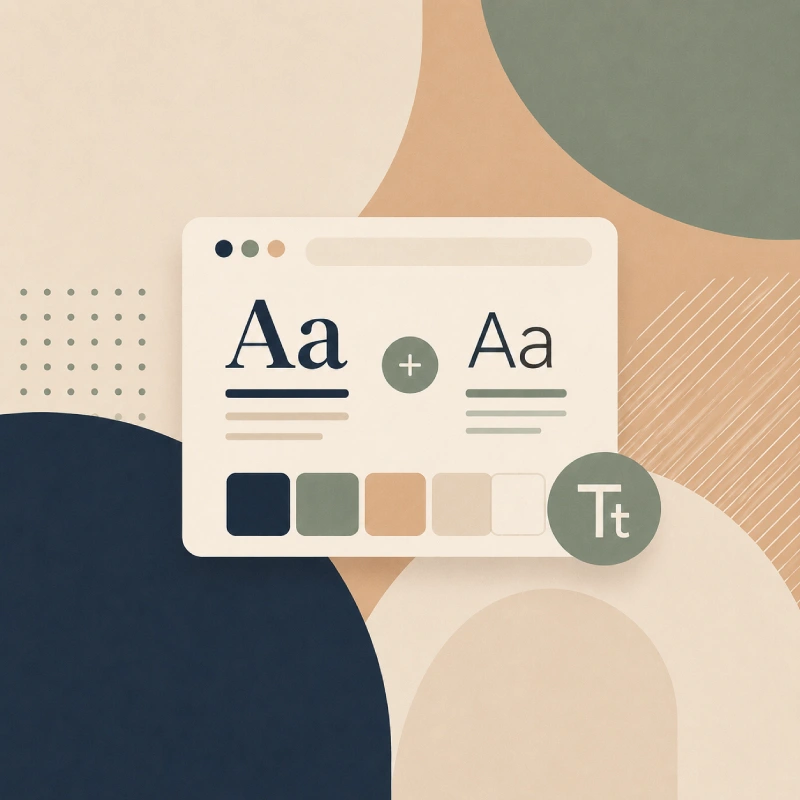
Not all font combinations work. Here are the core principles behind every pairing included in this tool:
Use a maximum of two font families
More than two fonts creates visual noise. One font for headings, one for body text — that’s the rule. If you need variation, use different weights (bold, regular, light) within the same family rather than introducing a third typeface.
Match x-heights for readability
The x-height is the height of the lowercase letter “x” in a font. When heading and body fonts have similar x-heights, the transition between them feels smooth and natural — even when the styles are very different. This is one of the subtle reasons why some combinations “just work” and others feel off.
Consider your body font size first
Most website body text sits at 15–18px. Your body font must be readable at that size — which typically rules out highly stylized or condensed typefaces. Once you’ve confirmed your body font reads well at small sizes, you have much more freedom with the heading font.
Script & cursive fonts need a clean partner
Script and cursive heading fonts (like Sacramento, Allura, or Pacifico) have high visual weight. They demand a simple, neutral body font — usually a light-weight sans-serif — to avoid the page feeling cluttered. Every cursive pairing in this tool follows that principle.
Explore More Free Tools
- Color Palette Generator
- Image to WebP Converter
- Image to PDF Converter
- Grid Calculator
- pt to px Converter
- CSS Gradient Generator
- Font Pairing Tool
- Feet to Pixels Converter
- Online Code Editor
- Free health Calculator
- Reading Time Calculator
- Bloom SVG Generator
- Rotating Shape SVG Generator
- 3D Shape Generator
Frequently Asked Questions
Are all these fonts free to use on my website?
Yes. Every font in this tool is from the Google Fonts library, which is open source and free for both personal and commercial use. There are no licensing fees.
Will using Google Fonts slow down my website?
Using too many Google Font families can add render-blocking requests. Best practice is to load only the specific weights you need (this tool generates exactly that in the CSS code it copies). For maximum performance, consider self-hosting fonts using a plugin like OMGF on WordPress.
How do I add these fonts to a WordPress / Elementor site?
Copy the CSS from any pairing card. Paste the tag into your theme's (via a child theme or a plugin like "Insert Headers and Footers"), then add the CSS rules to your Custom CSS panel in Elementor or your theme's Additional CSS field.
Can I use these pairings in Figma or Adobe XD?
Yes. Once you know the font names, install them via the Google Fonts plugin in Figma or download them directly from fonts.google.com to use in Adobe XD or Illustrator.
What is the difference between serif, sans-serif, and script fonts?
Serif fonts have small decorative strokes at the ends of letterforms (e.g. Playfair Display) — they feel classic and editorial. Sans-serif fonts have clean, unadorned strokes (e.g. Inter) — they feel modern and minimal. Script/cursive fonts mimic handwriting (e.g. Sacramento) — they feel personal, elegant, or playful depending on the specific style.
How many font pairings does this tool have?
The tool currently includes 130+ curated pairings covering all major website niches: Tech & SaaS, Blog & Editorial, eCommerce, Luxury & Fashion, Health & Wellness, Food & Restaurant, Creative & Portfolio, Corporate & Finance, and Education — including a dedicated Cursive & Script collection.