
HSArticle Image SEO Audit - Fix Every Image's Alt Text and Score Your Whole Site
A free WordPress plugin that scans your entire media library for missing, weak, or duplicate alt text – then scores every post and page on image SEO health. No opening posts one by one. No guessing what’s wrong. Just one dashboard, and Image SEO in your admin sidebar.

What Is HSArticle Image SEO Audit?
Most WordPress sites lose image SEO simply because alt text gets skipped during upload, or copied across dozens of images without anyone noticing.
HSArticle Image SEO Audit finds every instance of that across your media library and every published post, then gives you inline fields to fix it – all from a single screen, in batches, so it won’t time out even on large sites.
Why Image SEO Matters for WordPress Sites
- Alt text is one of the few direct signals Google uses to understand what an image shows.
- Missing alt text means the image contributes nothing to keyword relevance and can’t rank in Google Image Search.
- Duplicate or filename-based alt text (“IMG_2031.jpg”) looks identical to Google on every page, wasting the opportunity.
- Screen readers depend on alt text for accessibility – SEO and accessibility improve together here
Key Features
01
Tab 1 - Alt Text Audit
Scans your whole media library in batches and sorts every image into:
Missing: no alt text at all
Weak: filename-based, single word, or over 125 characters
Duplicate: same alt text reused across multiple images
Good: properly written
Each image shows three editable fields inline – Title, Alt Text, Description – saved together with one click. It also catches something most plugins miss: post-level alt text overrides, where the alt text inside a post differs from the media library value.
02
Tab 2 - Per-Post SEO Score
Every published post and page – not a sample, all of them – is scored on:
- Featured image presence
- All images have alt text
- No weak or filename-based alt text
- No duplicate alt text on the same page
- At least one image has a caption
- Focus keyword present in alt text (with an active SEO plugin)
- Meta title and meta description set (with an active SEO plugin)
Each post card shows word count, image count, publish date, and post type, with direct Edit and View links.
Works With Your Existing SEO Plugin
Automatically detects Yoast SEO, Rank Math, All in One SEO, or SEOPress. No SEO plugin installed? The Alt Text Audit tab still runs fully, and the Per-Post Score tab still checks all the basic image items – it just shows install recommendations for the keyword/meta checks.
Who Should Use This Plugin
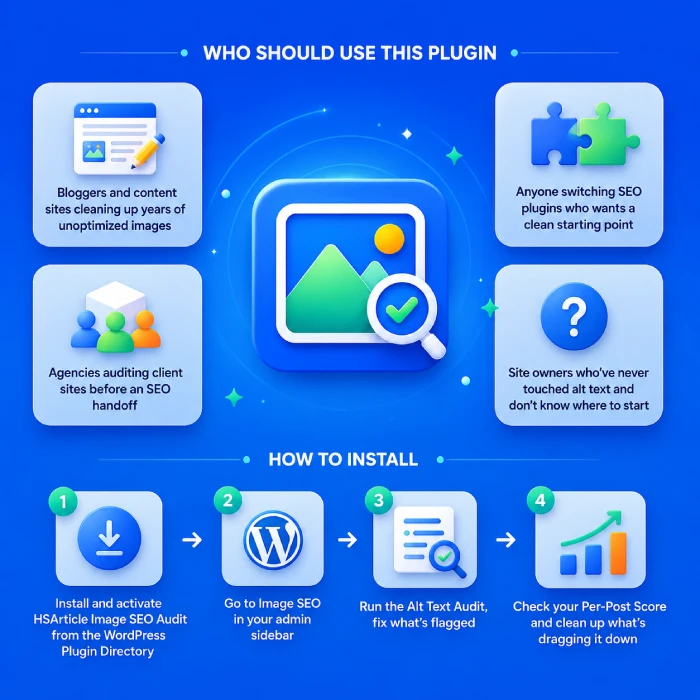
- Bloggers and content sites cleaning up years of unoptimized images
- Agencies auditing client sites before an SEO handoff
- Anyone switching SEO plugins who wants a clean starting point
- Site owners who’ve never touched alt text and don’t know where to start
How to Install
- Install and activate HSArticle Image SEO Audit from the WordPress Plugin Directory
- Go to Image SEO in your admin sidebar
- Run the Alt Text Audit, fix what’s flagged
- Check your Per-Post Score and clean up what’s dragging it down
Frequently Asked Questions
Does it work without an SEO plugin?
Yes. The Alt Text Audit tab works fully without one. The Per-Post Score tab runs all basic image checks regardless, and unlocks keyword/meta checks once a supported SEO plugin is active.
Which SEO plugins are supported?
Yoast SEO, Rank Math, All in One SEO (AIOSEO), and SEOPress.
Will it slow down my site?
No. Scans run only when you click a button inside the admin, in small batches. Zero frontend impact.
Does it edit images automatically?
No. You type the values and click Save - you stay in full control.
Does it score all my posts or just a sample?
All published posts and pages, fetched in batches to avoid timeouts on large sites.
Download HSArticle Image SEO Audit - Free WordPress Plugin
WordPress HSArticle Image SEO Audit is 100% free and open source. Download it directly from the official WordPress Plugin Directory.